
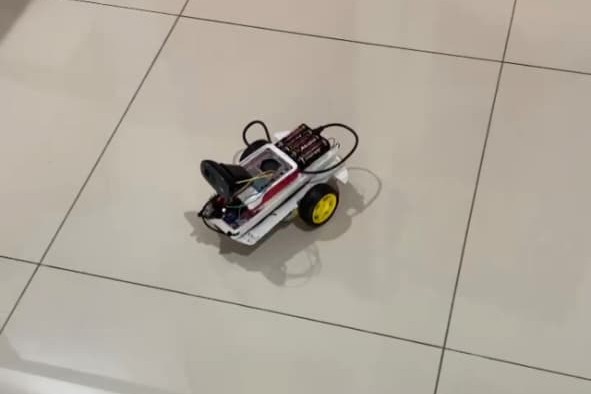
This is a beginner-friendly simple robot project where we try to move a two-wheeled car, see and capture pictures from a webcam installed in it.
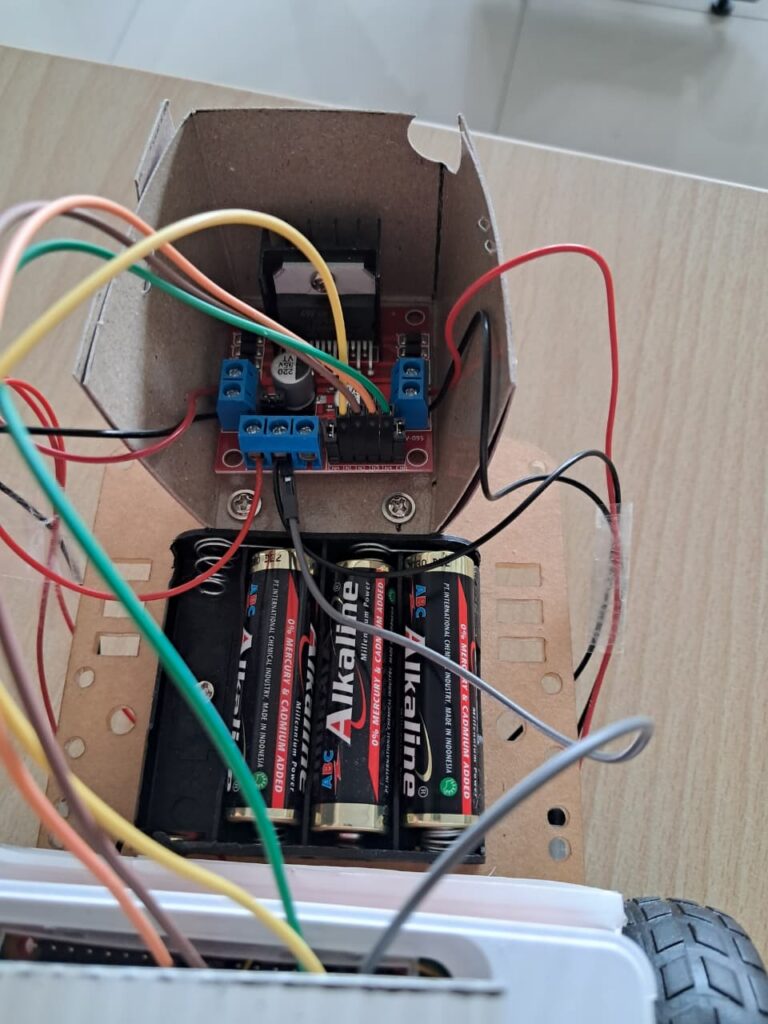
The robot is basically a microcontroller (Raspberry-Pi or Arduino Uno or ESP-32). The two motors move the two wheels. These two motors are given power and controlled by motor driver where we install our batteries socket in. The motor driver gets the signal from microcontroller which gets the signal from us. I get the inspiration on how to assemble the car and test the movement of the car based on signals injected directly into our microcontroller from this Youtube video “How to Build Your First Robot With a Raspberry Pi and Program it in Python – Step by Step Tutorial” by patreeceeichel2443
So how do we give signals into our Microcontroller? We need a server as we act as a client. Our Raspberry Pi open a server (for example using Flask framework) and we access the page receiving input in our mobile device’s browser. I checked the example provided by Random Nerd Tutorials “Raspberry Pi Web Server using Flask to Control GPIOs”
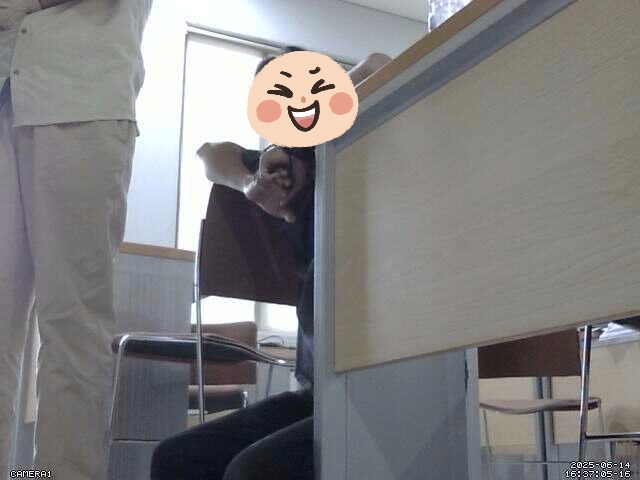
On access to webcam, I use motion library. I checked the tutorial on how to install and use the library from this video by Dr. Anand Nayyar “Raspberry Pi as Webcam Server”
Here is our making and demonstrating video and photos :
Wrapping Up
Unfortunately, I didnt make a copy of the source code before I submitted the project. So I’ll just provide the project report I still have in my PC.
Leave a Reply